Calculators and converters that run in your browser
13 free tools for units, currency, percentages, interest, dates, age, BMI, passwords and text. No sign-up, and what you type stays on your device.
Looking for a calculator or converter?
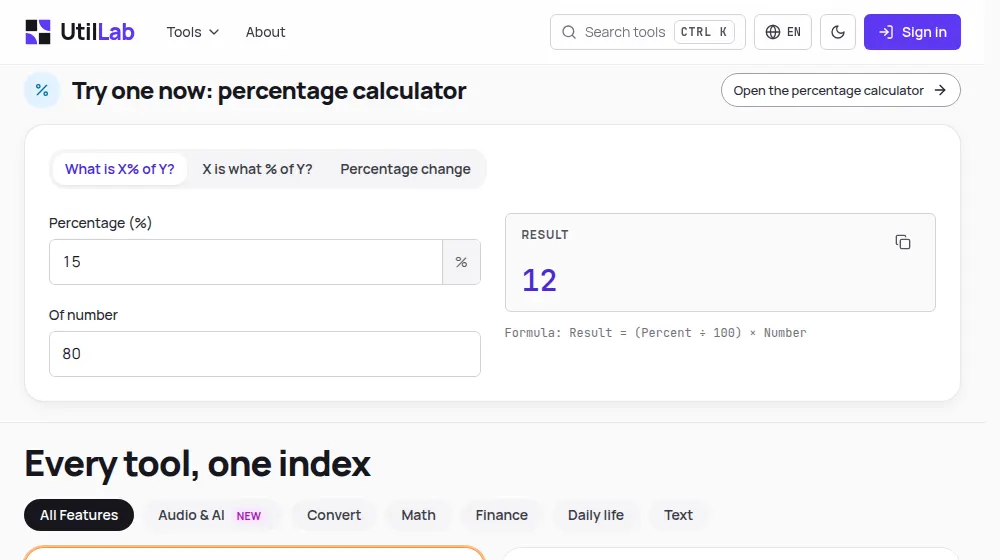
Try one now: percentage calculator
Open the percentage calculatorResult
—
Formula: Result = (Percent ÷ 100) × Number
Your tools
Every tool, one index
Text to SpeechHot
Natural voices, subtitles and multi-voice dialogues, with AI.
Unit Converter
Convert kilometers to miles, Celsius to Fahrenheit, and more.
Currency Converter
Convert between 70+ currencies at daily rates: ECB reference rates plus market rates for the rest.
Percentage Calculator
Find what percent of a number is, what percentage one value is of another, or calculate percentage change instantly.
Days Between Dates
Count the days, weeks, months and business days between any two dates.
Age Calculator
Find your exact age in years, months and days, and the countdown to your next birthday.
Password Generator
Generate strong, random passwords using your browser's cryptographic API. Choose length and character types.
Word Counter
Count words, characters, sentences and reading time, and check social media and SEO limits.
BMI Calculator
Calculate your Body Mass Index in metric or imperial units and see your weight category instantly.
Convert Case
Quickly change your text between various formats: all uppercase, all lowercase, etc. Take advantage of our character, sentence, paragraph, and line counters.
Advanced Calculator
Perform complex calculations with scientific functions and calculation history.
Simple Interest Calculator
Calculate simple interest per month or per year for loans and investments.
Compound Interest Calculator
Simulate how your money grows over time with compound interest.
Date Calculator
Find out what date it will be in the future or what date it was in the past. Perfect for planning and scheduling.
What UtilLab is
What you can do on UtilLab
UtilLab has one main tool, a text to speech generator, and 13 small calculators and converters for everyday numbers, dates and text. This is how each part works.
Text to speech in 75 languages
Paste a text, pick one of more than 300 neural voices in 75 languages and 142 accents, and adjust the speed and pitch. You can also write a dialogue with several voices and get subtitles timed to the speech. Your first audio is free without an account; to download the MP3 and make more audios each day, create a free account.
Calculators and converters that run in your browser
The unit and currency converters, the percentage, scientific, compound interest, simple interest, date, days-between-dates, age and BMI calculators, the password generator, the case converter and the word counter all work on your device. What you type is not sent to our server; the currency converter only downloads the day's exchange rates.
Results you can check
Each calculator shows how it reaches the result: the conversion factor, the interest formula with a year-by-year breakdown, the steps of the calculation. Calculations keep full precision and only the number shown is rounded, and each tool's guide explains the formula, its limits and the most common mistakes.
UtilLab is free to use and is paid for by ads, which may appear on its pages; ads never change a result. The site is available in English, Portuguese and Spanish. It works on phones, tablets and computers, with a dark theme and keyboard search (Ctrl+K).
Frequently Asked Questions
Is UtilLab free?
Do I need an account?
How does the text to speech work?
Is my text stored?
Which calculators and converters are there?
How accurate are the results?
Which languages is the site available in?
Where is the text to speech tool?
Can I use UtilLab on my phone?
Last updated: